Four ways to pay for HighLevel AI, and which one you actually need
Pay-per-use, AI Employee Growth ($50), AI Employee Unlimited ($97), and the new $20 AI Agency Assistant seat. What each covers, what is free, what happens at the cap, and a tool that tells you which of the 14 AI products does the job. Every number from HighLevel's own pages, read 20 Sep 2026. I'm Nuno Tavares, I teach HighLevel and I'm an affiliate.
Quick answer: HighLevel AI is paid four ways. Per location: pay-per-use with no monthly fee, AI Employee Growth at $50 a month, or AI Employee Unlimited at $97. Per team member: the $20 AI Agency Assistant seat for Ask AI and AI Studio across every client account. Start pay-per-use and move up when a location passes $50 a month.

Five free tools on this page
How the AI charges work
AI is a separate bill from texts and emails. Three ways to pay for it, and a table of every AI product.
AI charges are a separate bill from texts and emails
People mix these up and then blame the wrong thing. They're separate, they're billed differently, and only one of them has a plan you can buy.
Four ways to pay for AI: three for a location, one for a person
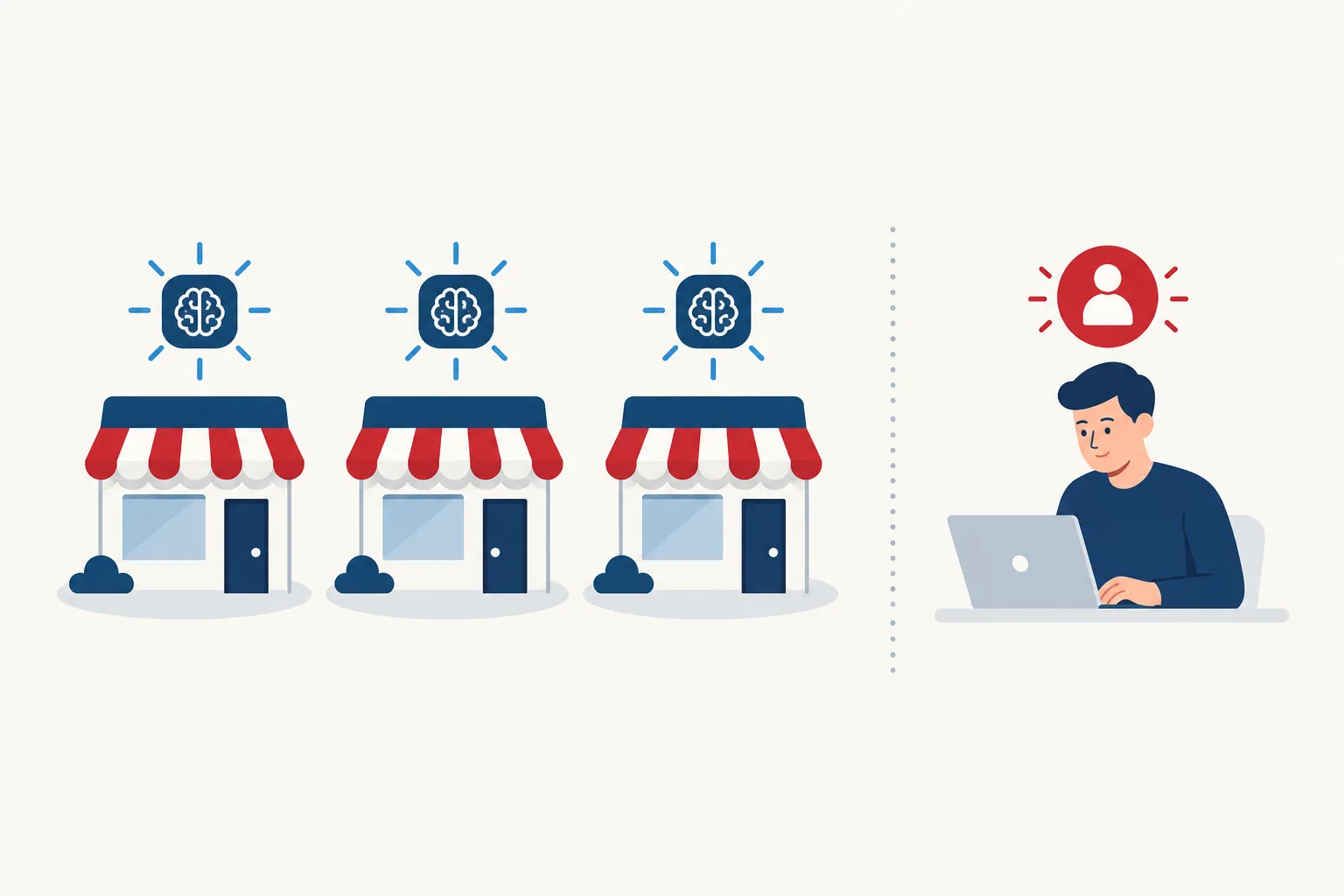
Two separate decisions. Decision one, per client location: how does this account pay for the AI that talks to its customers? Pick one of three. Decision two, per team member: does this person get a $20 seat for their own Ask AI and AI Studio work? An agency mixes these freely: three seats for the team, forty locations on pay-per-use, five busy ones on AI Employee Unlimited.
Light or unpredictable AI use. Every location starts here. Billed by token, minute, review, word or image. A spending limit keeps it predictable.
Source: AI Product PricingSteady AI use with a predictable baseline. 1,000 Conversation AI replies, 100 Voice AI minutes, unlimited Reviews AI and Content AI, Ask AI and AI Studio usage included, 100 Managed Agent runs.
Source: AI Product PricingAI on customer chats and calls all day. Unlimited Conversation AI, Voice AI, Reviews AI and Content AI (fair use), 3x the Ask AI and AI Studio usage of Growth, 1,000 Managed Agent runs.
Source: AI Employee articleAgency staff who work across many accounts. Covers their Ask AI and AI Studio work, follows them into every sub-account. Agency Admins and Agency Users only. Needs the $297 or $497 subscription. Full section below ↓
Source: AI Agency Assistant Plan"Unlimited" always means subject to fair use. On AI Employee Growth, usage past an allowance bills at pay-per-use rates. Phone System charges are separate on every plan.
Texts, calls, emails, numbers
Pay-as-you-go. Always. On every plan. There is no "unlimited texting" plan. The pricing decoder covers that bill.
- ✓Comes out of your Agency Wallet, refilled automatically from your card
- ✓Same rates whether you're on $97, $297 or $497
- ✓Still charged when an AI bot makes or answers the call
- ✓$297 passes it to clients at cost, $497 lets you mark it up
Conversation AI, Voice AI, Reviews AI, Content AI
This is the AI Employee add-on, per location, on top of your base plan. Three ways to pay per location (plus the $20 per-person seat, its own section below). Start on the first one. Move up only when the numbers say so.
- ✓Pay-per-use: no monthly fee, you pay the token cost of each reply and each voice minute
- ✓AI Employee Growth, $50/mo: 1,000 chat replies, 100 voice minutes, unlimited reviews and content
- ✓AI Employee Unlimited, $97/mo: no caps on chat, voice, reviews, content (fair use)
- –Free on all three: Funnel AI, Workflow AI, Email AI, Knowledge Base
What AI Studio and Ask AI actually cost per job, pay-per-use
These are HighLevel's own published sessions, with the real price each one came to. Same tools, same prompts, so you know what a job costs before you run it.
Yoga lead-capture landing page
One prompt: "Create a landing page to capture leads for my yoga classes." Hero, benefits, schedule, bio, testimonials, working lead form, AI-made images. 14 tool steps.
Luxury fashion landing page
One detailed prompt. Full-bleed hero, parallax, gallery grid, animations, a full set of AI-generated images. 29 tool steps. Images are what cost the money.
7-page travel website with a blog
Home, About, Services, Blog, Portfolio, Pricing, Contact. Shared nav, editable blog and tour collections, SEO tags, contact form. 40 tool steps.
Fitness funnel plan + 3 email templates
"Create a complete funnel for my fitness coaching business." It asked questions, planned the page and form, wrote and created three nurture emails.
Import a Shopify catalog, set currency
Pulled products from a store URL, built the product with variants, matched pricing, switched the location currency. 15 turns, approval cards.
Multi-channel event campaign
Event banner image, three emails, three texts, WhatsApp, LinkedIn, Facebook, Instagram posts and stories, a schedule, approvals. 6 messages.
Drag. These use the real session prices from the boxes above.
Every AI product, what it costs, what each AI Employee tier covers, and what happens at the cap
The last column is the one nobody shows you. Two kinds of cap: one bills the extra, the other pauses and charges nothing. Ask AI and AI Studio pause. Chat and voice bill.
| AI product | What it does | Pay-per-use price | AI Employee Growth $50 | AI Employee Unlimited $97 | At the cap |
|---|---|---|---|---|---|
| Talking to customers | |||||
| Conversation AI | Texts and chats leads back for you | Billed by token. My estimate: about $0.001 per reply on GPT-5 Mini to $0.005 on GPT-5 (about 2,500 input and 200 output tokens per reply). HighLevel's own example: a 100k-in, 25k-out conversation on GPT-5 is $0.375 | 1,000 replies a month | Unlimited | Bills the extra On Growth, extra replies bill at token cost |
| Voice AI | Answers and makes phone calls | Voice engine $0.045 + voice $0.015 to $0.17 per minute depending on the voice, plus LLM tokens, plus phone minutes. Speech-to-speech models are all-in at $0.10 (Gemini) or $0.20 (OpenAI) per minute | 100 minutes a month | Unlimited* | Bills the extra On Growth, extra minutes bill by the minute |
| Reputation and content | |||||
| Reviews AI | Replies to Google reviews | $0.01 per review | Unlimited | Unlimited | Nothing to run out Fair use applies |
| Content AI | Writes posts, emails, images | $0.0945 per 1,000 words · $0.063 per image | Unlimited | Unlimited | Nothing to run out Fair use applies |
| Your copilots and agents | |||||
| Ask AI | Chat with HighLevel about your account, it does tasks for you | Token cost per session | Included, per 5-hour window | 3x per 5-hour window | Pauses, no charge Until the window rolls forward |
| AI Studio | Builds pages, sites, apps, booking pages from a prompt | Token cost per session | Included, per 5-hour window | 3x per 5-hour window | Pauses, no charge Until the window rolls forward |
| Managed Agents | Agents that run on a trigger or a schedule | Token cost per run · 30 free test runs a month | 100 runs a month | 1,000 runs a month | Not published HighLevel hasn't said what happens past the runs |
| Prompt Optimizers | Test a chat or voice agent's prompt safely before it goes live | 100 chat tests a day, then token cost · voice at token cost | Plus 500 chat tests a month and 100 voice minutes | Unlimited | Bills the extra On Growth, extra tests bill by usage |
| The same on every plan | |||||
| Workflow AI premium steps | Decision Maker, Intent Detection, Summarize, Translate inside automations | $0.01 per execution after 100 free lifetime executions (or Workflow Pro from $10/mo for 10,000) | $0.01 per step | $0.01 per step | Bills the extra Never included in a plan |
| Agent Studio | Custom agents with web search, images, video | Tokens · $0.01 per web search · $0.04 to $0.12 per image · $0.15 to $0.40 per second of video | Never included | Never included | Always pay-per-use |
| Funnel AI, Workflow AI builder, Email AI, Knowledge Base | Building help | Free | Free | Free | Free on all three Fair use |
*Unlimited covers the AI part of a voice call. The phone minute itself (about 1.7 cents outbound, from HighLevel's Phone System guide, 1 Sep 2026) is always billed on top. Prices from HighLevel's AI Product Pricing (14 Sep 2026), AI Studio Pricing (17 Sep 2026) and Ask AI Session Examples (27 Jun 2026), read 20 Sep 2026.
By default no spending limit is set and usage past the included allowance bills at pay-per-use. Set a monthly limit at agency, sub-account or user level, then pick what happens when it's hit:
- ✓Keep AI running, just notify. The default. You get an alert, the client's AI keeps working, the overage bills.
- ■Block AI at the limit. AI stops in that location for everyone until you raise the limit or the calendar month resets. Warn the client before you switch this on.
On a spending limit (any product, once a limit is set): alerts at 70%, 80%, 90% and 100% of the limit. No limit, no alerts.
Inside AI Studio, subscription users also get banners on their own:
On pay-per-use, AI Studio also notifies you every $50 spent. For everything else, the Usage Dashboard shows AI spend, token usage and a breakdown by product, model and location. Two weeks of watching it teaches you more than any rule on this page.
What the AI actually costs, in plain numbers
Move the sliders below and the page picks the tier for you. Most solo businesses never leave pay-per-use.
Use AI pay-as-you-go until your AI bill reaches $50 a month. Then switch that location to AI Employee Growth. When Growth overages push you past $97, switch to AI Employee Unlimited. (Not the $297 "Unlimited" base plan. Same word, different thing.) Estimate where you'd land:
No monthly fee
Plus overage past 1,000 replies or 100 voice minutes
Flat rate, fair use, no caps
Phone charges for voice calls are billed separately even on Unlimited. Voice minutes here are the AI part only. Rebilling AI to clients needs the $497 plan.
Eight AI tools that cost nothing on any plan
Free on pay-per-use, on the $50 Growth plan and on the $97 Unlimited plan. None of them draw from a $20 seat either. Do this work first, before you spend a token.
Change text, colours, spacing, buttons, icons and images on any AI Studio page by clicking them. The AI model is only invoked when you send a prompt.
Direct visual edits do not consume AI tokensSource: Visual Edits articleDescribe an automation and it builds the whole workflow, inside Workflows. Also reachable from Ask AI now, per HighLevel's changelog.
Free. Limit resets within 24 hoursSource: AI Product PricingBuild and edit funnels and websites with prompts in the standard builder.
Free. 1,000 prompts per day, per locationSource: AI Product PricingWrite SMS, email and other content right inside a workflow action.
Free. Limit resets within 24 hoursSource: AI Product PricingDraft on-brand marketing emails in the email builder.
Included at no extra cost, fair useSource: Email AI articleTrain your chat and voice agents on your FAQs, pages and documents.
Included at no extra cost, fair useSource: Knowledge Base articleTry a Managed Agent in its Test section before you pay for a single live run.
30 free test runs per monthSource: AI Product PricingTest and improve a chat agent's prompt against realistic scenarios without touching the live agent.
100 messages per day included, then token costSource: Prompt Optimizer articleThe $20 AI Agency Assistant seat, in one minute
One team member. Ask AI and AI Studio in every client account they open. Who can have it, how the meters work, and whether it beats pay-per-use for you.
$20 per team member, per month. One seat, every client location.
The AI plans above are set per location. This one is set per person. An implementer who touches 50 client accounts pays $20, not $20 per account. For an agency that is the whole idea, and it is a strong one.
Three meters run at once
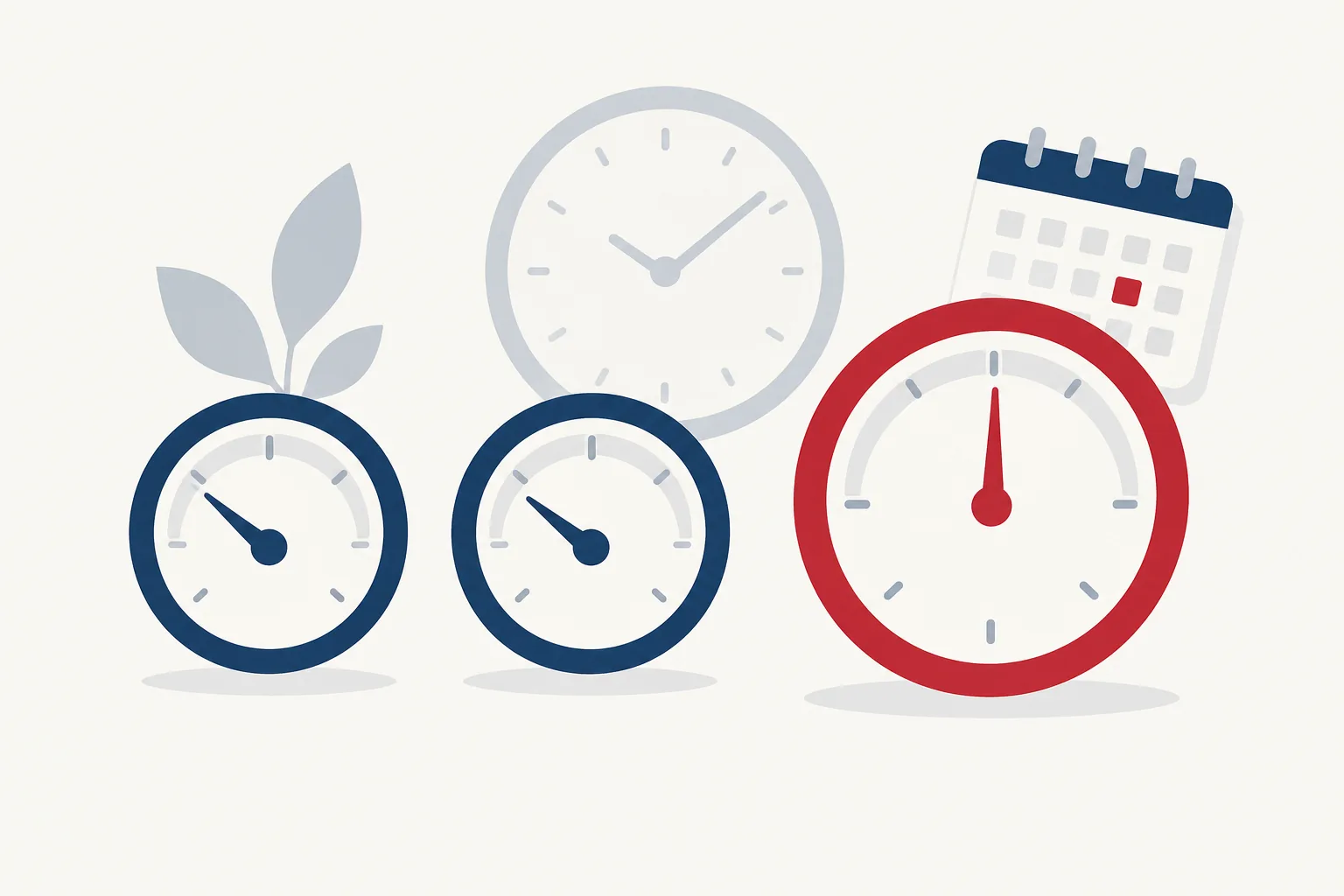
Nothing resets at midnight. HighLevel always looks back at the previous 5 hours or 7 days, so capacity comes back gradually as old usage ages out. There is no "morning message to start the clock."
Ask AI usage only. Heavy building in AI Studio does not touch this one.
AI Studio usage only. Hitting this leaves Ask AI available.
Ask AI and AI Studio combined. When this one is full, both pause, even if a 5-hour meter has room.
Tick every statement that is true for one team member. Each tick adds to a monthly pay-per-use estimate, measured against the $20 seat. The dollar figures are my estimates built from HighLevel's published example sessions ($0.60 to $1.30 for AI Studio builds; $0.70, $1.18 and $2.93 for HighLevel's three Ask AI examples). Your exact total is in the Usage Dashboard.
Who to enrol first
- Day one: enrol the first seat. Charged $20 right away. That date becomes your monthly renewal date.
- Any day after: add another seat. Charged now for the days left in the cycle, covered from that moment. HighLevel's example: renewal on the 11th, a user added on the 9th pays for 2 days, then a full month with everyone else.
- Renewal day: every seat renews together, $20 each.
- Cancel a seat: the person keeps access until the cycle ends, then their usage goes back to pay-per-use. Remove the last seat and the subscription ends.
By default, usage pauses at the limit. No surprise charge. You can switch on Extra Usage per person, and it only applies after both the seat's allowance and any eligible sub-account AI plan are used up. Then it bills at pay-per-use, up to a cap you set.
- ✓Monthly limit per person, across all sub-accounts
- ✓Keep working, just notify or Stop at the limit
- ✓Per-sub-account limits: at that cap AI stops there for everyone, so set it with care on a busy location
My settings: builder in client launches, Extra Usage on with a $20 to $40 cap and "stop at the limit". Owner, on, "just notify". Occasional user, off.
Where everything else is billed
The seat is for your team's own productivity. Everything else bills where the work happens.
Pay-per-use, Growth or Unlimited
Conversation AI, Voice AI, Reviews AI, Content AI, Managed Agents, and Ask AI or AI Studio used by client users.
Not part of any plan
Agent Studio, Workflow AI premium actions, external models in a workflow, and Phone System charges on calls.
No seat, no plan, no charge
Funnel and Website AI, Workflow AI Builder, Email AI, Knowledge Base, Visual Edits.
Everything in this section is from HighLevel's AI Agency Assistant Plan article (last modified 18 Sep 2026) and Ask AI Session Examples, read 20 Sep 2026.
Pick the right AI tool (there are 14)
HighLevel has 14 AI products and only two run on the $20 seat. Say what you need done and it tells you which one, what it costs, and who pays.
Type a job in your own words, or tap a common one.
All 14 AI products, and who pays for each
Four colours. Your $20 seat, free, the sub-account's AI plan (Growth, Unlimited, or pay-per-use if it has neither), or pay-per-use always. Workflow AI shows as three cards because its three parts are priced three ways.
Builds and edits workflows from a prompt, inside Workflows.
Workflow AI BuilderReplies to leads on SMS, chat and social, and books them.
Conversation AI ExplainedText and images in Social Planner, blogs and builders.
Content AI in Social PlannerAutonomous agents that act when a CRM event happens.
Set Up Managed AgentsTests a chat agent's prompt safely. 100 messages a day included on every plan.
Conversation AI OptimizerRuns real test calls before a voice agent's prompt changes.
Voice AI OptimizerDecision Maker, Intent Detection, Summarize, Translate. $0.01 each after 100 free.
AI Product PricingVisual canvas for flow-based agents. Never included in any plan.
Flow Agents in Agent StudioEight habits that stretch any AI allowance
These are the ones I give my own team. They work on the seat, on Growth, and on pay-per-use.
The AI cost-control checklist
Twelve habits for every team member. Tick them here or print the branded PDF.
AI cost control: twelve habits
For every team member, on any plan. Three are for the $20 seat only.
Sources: the HighLevel articles behind every number
All read on 20 Sep 2026. The date after each one is when HighLevel last modified it. HighLevel asks everyone to confirm current pricing inside the app before quoting it, and so do I.
- AI Product Pricing Support article · 14 Sep 2026
- AI Agency Assistant Plan: Pricing, Usage and Setup Support article · 18 Sep 2026
- AI Employee: Access, Rebilling and Reselling Support article · 14 Sep 2026
- Fixed-Rate Rebilling for Conversation and Voice AI Support article · 11 Aug 2026
- AI Usage Limits: Control Monthly Spending Support article · 17 Sep 2026
- AI Studio Pricing and Usage Notifications Support article · 17 Sep 2026
- Ask AI Session Examples and Usage Costs Support article · 27 Jun 2026
- Visual Edits in AI Studio Support article · 29 Jun 2026
- Overview of Ask AI Assistant Support article · 18 Sep 2026
- AI Studio in HighLevel Support article · 17 Sep 2026
- AI Tools in HighLevel: Features, Use Cases and Pricing Support article · 14 Sep 2026
- AI Glossary: Tokens, Requests, Usage and Pricing Support article · 9 Sep 2026
- Set Up and Use Managed Agents Support article · 14 Sep 2026
- Conversation AI Prompt Optimizer Support article · 12 Aug 2026
This is an independent guide by Nuno Tavares, an affiliate of HighLevel. It is not an official HighLevel document. Several features are in Labs and HighLevel can change pricing, limits and capabilities at any time.
HighLevel AI pricing questions, answered
Short answers to what people search. Every number is from HighLevel's own pages, with the date.
How does HighLevel AI Employee pricing work?
AI features can be paid three ways per location: pay-per-use at token cost with no monthly fee, AI Employee Growth at $50 a month (1,000 Conversation AI replies, 100 Voice AI minutes, unlimited Reviews AI and Content AI), or AI Employee Unlimited at $97 a month with no caps under fair use. A fourth option, the $20 AI Agency Assistant seat, covers one agency team member's Ask AI and AI Studio use across every sub-account. Phone minutes used by Voice AI are always billed separately.
What is the HighLevel AI Agency Assistant plan ($20 seat)?
The AI Agency Assistant plan costs $20 per team member per month and gives that person Ask AI and AI Studio usage in every sub-account they work in. Only Agency Admins and Agency Users on the $297 or $497 plan can be enrolled. It is billed to the agency card, prorated when you add a seat mid-cycle, and is available in Labs as of September 2026.
How do the 5-hour and 7-day AI usage limits work in HighLevel?
Each enrolled user has three rolling meters: an Ask AI meter and an AI Studio meter that each look back 5 hours, and a Weekly meter that combines both over 7 days. Nothing resets at midnight. When a meter is full, usage pauses with no charge unless Extra Usage is switched on for that person.
Which HighLevel AI tools are free?
Eight AI tools cost nothing on every plan: Visual Edits in AI Studio, Workflow AI Builder, Funnel and Website AI (1,000 prompts a day per location), Generate with AI, Email AI, Knowledge Base, 30 free Managed Agent test runs a month, and 100 Conversation AI Prompt Optimizer messages a day. Workflow AI premium actions cost $0.01 each after 100 free, and Agent Studio is always pay-per-use.
How much does AI Studio cost in HighLevel?
AI Studio is usage-based. HighLevel's own published examples: a one-page landing page cost $0.60, an image-heavy page $1.30 and a 7-page website $1.10. On AI Employee Growth and the $20 seat this usage is included in 5-hour windows; AI Employee Unlimited includes three times that. Visual Edits use no AI at all.
What happens when a HighLevel AI plan hits its limit?
Conversation AI and Voice AI on AI Employee Growth bill the extra at pay-per-use rates. Ask AI and AI Studio pause until their 5-hour window rolls forward and charge nothing. Reviews AI and Content AI are unlimited under fair use. Agencies can set a spending limit per sub-account and choose to keep AI running with a notification (the default) or block AI at the limit.
What is the difference between rebilling and reselling AI in HighLevel?
Rebilling passes AI usage charges to a client with a markup or a fixed per-message or per-minute rate and needs the $497 plan. Reselling offers AI Employee Growth or Unlimited to a client as a recurring subscription at a price you set, configured under Reselling, then switched on per client under Sub-Accounts, Manage Client.
⚠ Disclosure: We are an independent entity from HighLevel. We are not agents or employees of HighLevel and have no authority to make binding contract or represent HighLevel. We receive referral payments from HighLevel. The opinions expressed here are Our own and shall NOT be interpreted or considered as representations, guarantees, or statements made by HighLevel Inc or any of its subsidiaries, agents, or assigns. Results not guaranteed.
Copyright 2026. Automated Marketer™. All Rights Reserved. Automated Marketer™ is a trademark of Rapid Active Marketing INC.
Privacy PolicyTerms and ServiceRefund PolicyCookie Policy
No part of this training may be reproduced in any form or by any electronic or mechanical means, including information storage and retrieval systems, without permission in writing from the creator, except by a reviewer, who may quote brief passages in a review, or as otherwise permitted by U.S. copyright law.
This training is designed to provide accurate and authoritative information in regard to the subject matter covered. It is sold with the understanding that the creator is not engaged in rendering legal, investment, accounting or other professional services. While the creator has used its best efforts in preparing this training, they make no representations or warranties with respect to the accuracy or completeness of the contents of this course and specifically disclaim any implied warranties of merchantability, fitness for a particular purpose, or any person(s) results. No warranty may be created or extended by sales representatives or written sales materials. The advice and strategies contained herein may not be suitable for your situation. You should consult with a professional when appropriate. The creator shall not be liable for any loss of profit or any other commercial damages, including but not limited to special, incidental, consequential, personal, or other damages.
Additionally, the creator may include several terms and phrases first used, popularized, or adopted by others. Such inclusion is done either with explicit permission, as permitted by applicable law, or both. The creator makes no claim to ownership of these terms and phrases and all trademarks are the property of their respective owners. However, the creator has done their best to present them in the manner preferred by those claiming rights. Any errors, omissions, or inconsistencies are unintentional.
This site is not a part of the Google/Facebook/TikTok website or Google/Facebook Inc/TikTok. Additionally, this site NOT endorsed by Google/Facebook/TikTok in any way. GOOGLE/FACEBOOK/TIKTOK is a trademark of GOOGLE/FACEBOOK, Inc/TIKTOK.
EARNINGS / INCOME DISCLAIMER: We do not endorse get-rich-quick schemes; instead, we advocate for diligence, creating value, and supporting others. Our programs aim to assist you in these endeavors. According to legal requirements, we cannot guarantee specific results or income levels using our ideas, information, programs, or strategies.
Your success depends on your personal efforts, and as we do not know your individual circumstances, your achievements are ultimately your responsibility. Do you agree? Our goal is to provide you with effective strategies to accelerate your progress. However, please note that nothing on this site, or any of our other websites or emails, should be seen as a guarantee of future earnings. Any financial figures mentioned are only estimates or based on previous results, and should be seen as indicative rather than definitive. For any inquiries, please contact us at team@automatedmarketer.net